
Blog
Notes from the Chatmaid API
Guides, changelogs, and engineering notes on sending WhatsApp from your code — REST endpoints, webhooks, SDKs, and AI agents.
Latest · Jul 12, 2026
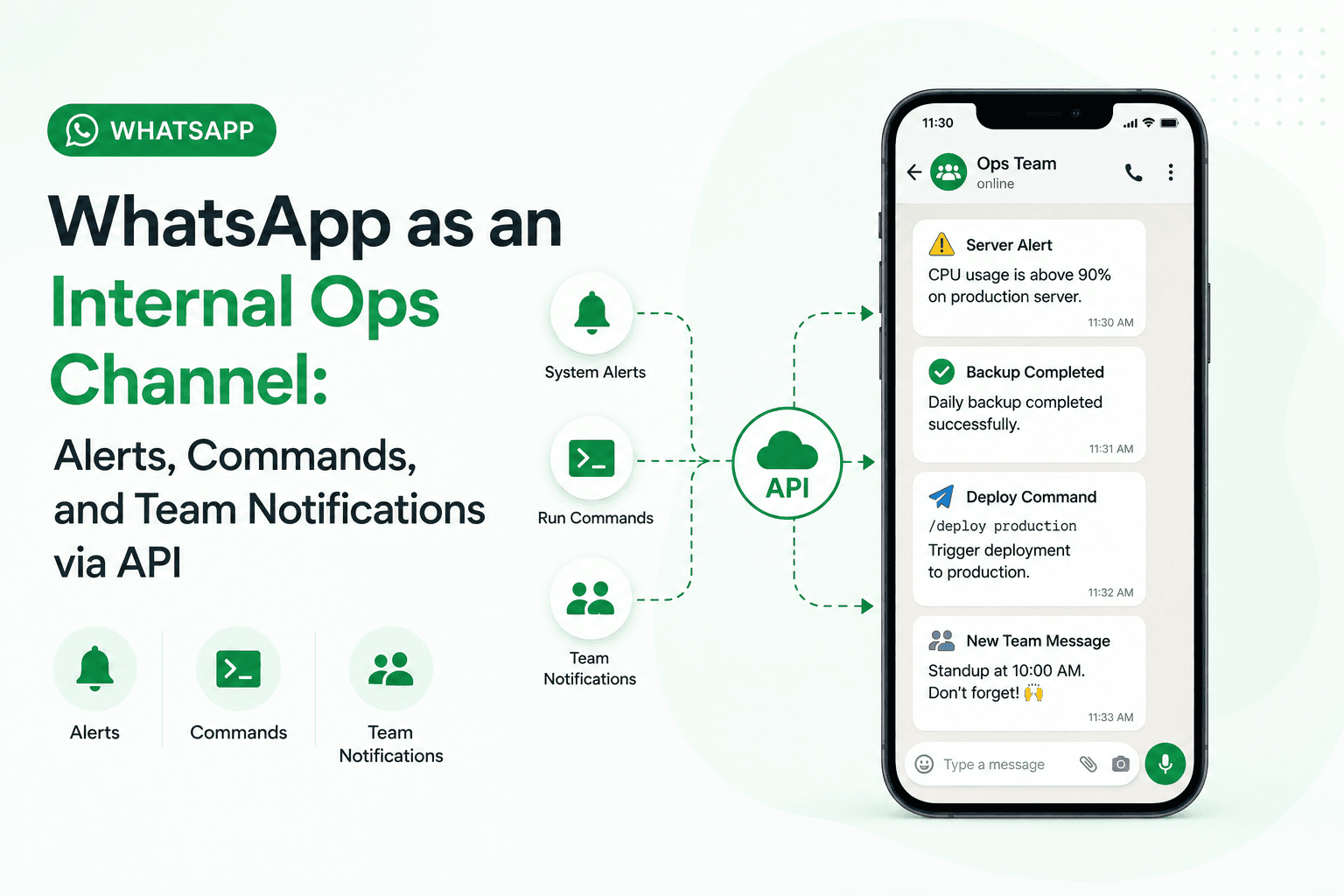
WhatsApp as an Internal Ops Channel: Alerts, Commands, and Team Notifications via API
WhatsApp is the highest-attention notification channel available to businesses and development teams. The Chatmaid API makes it accessible with a flat $7.99/month and a single API call — no Meta business account, no template approvals, no per-message billing. The use cases above range from 30-minute integrations (deployment notifications) to more sophisticated command-response systems. All run on the same API. Start building: developers.chatmaid.net/signup
Read post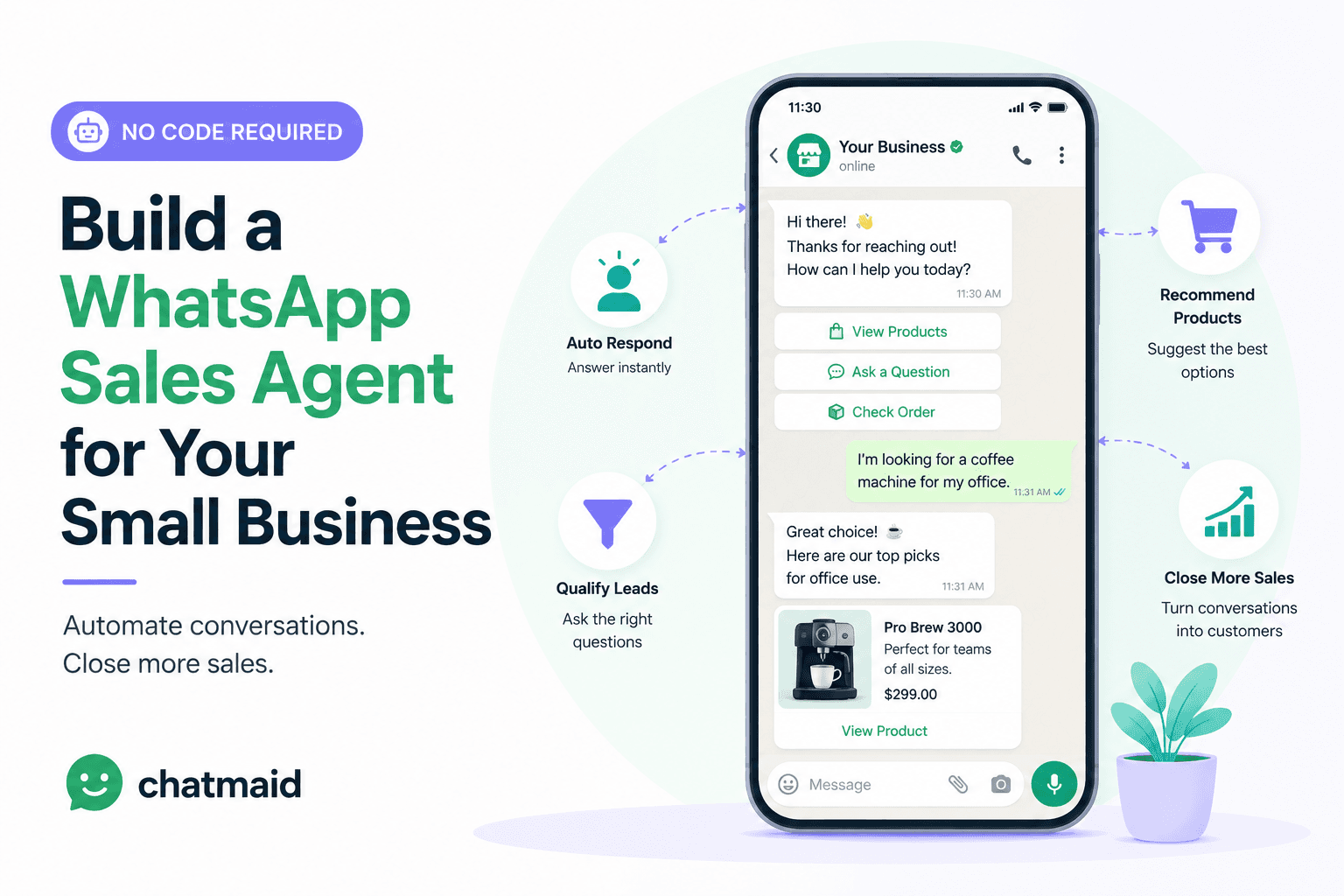
Jul 12, 2026
Build a WhatsApp Sales Agent for Your Small Business (No Code Required)
A WhatsApp AI sales agent can replace the manual work of responding to first-contact inquiries, qualifying leads, and booking follow-up calls — running 24/7 at a cost that's a fraction of a human equivalent. With Chatmaid for the WhatsApp infrastructure and n8n for the automation logic, the entire system can be built and running in under a day. Get started: developers.chatmaid.net/signup
Read post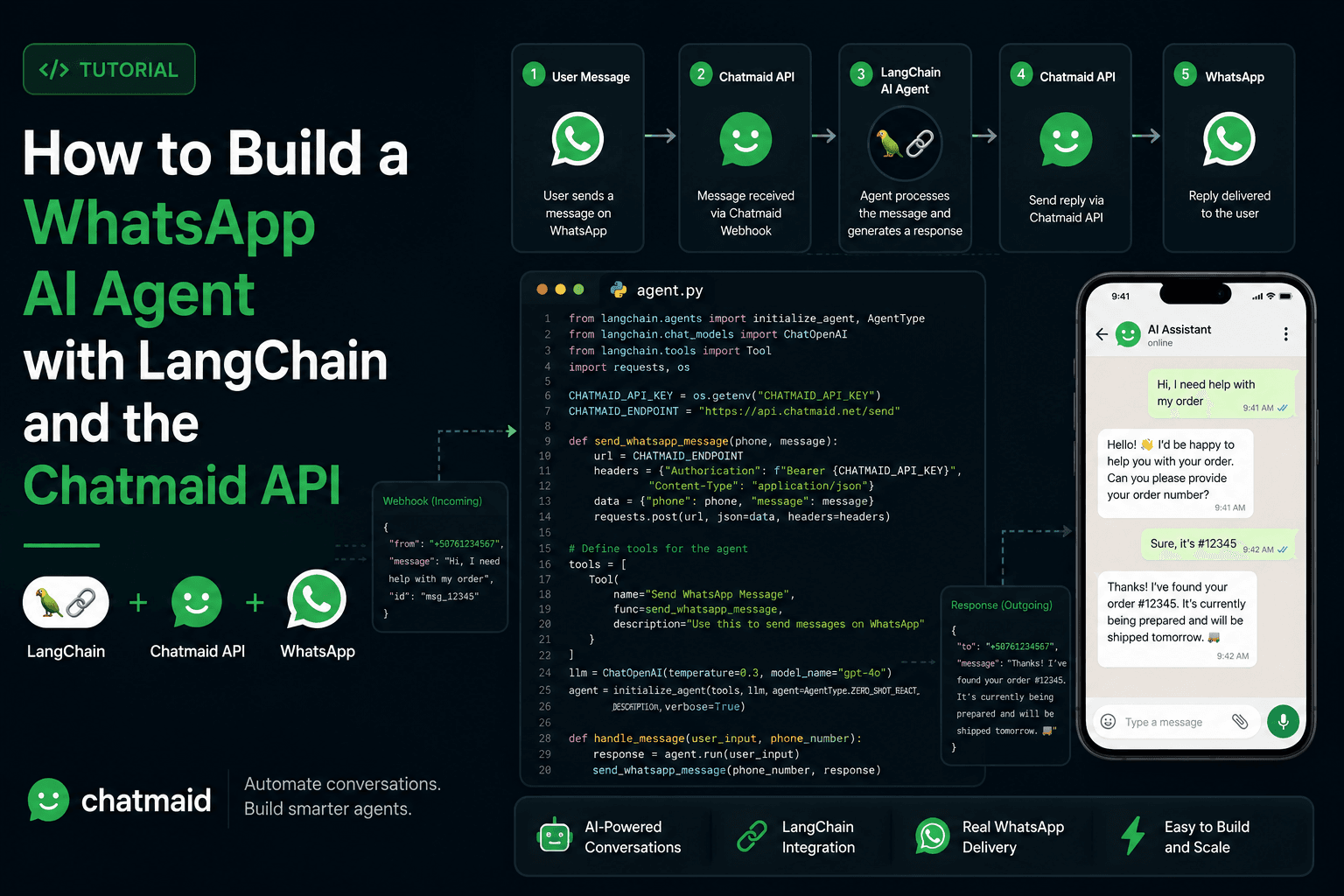
Jul 12, 2026
How to Build a WhatsApp AI Agent with LangChain and the Chatmaid API
LangChain + Chatmaid gives you a production WhatsApp AI agent in under 200 lines of Python. The agent handles multi-turn conversation naturally, has access to any tools you define, and runs 24/7 on a cheap server. The Supabase memory layer ensures conversation continuity across sessions. The Flask webhook handler processes incoming messages asynchronously to avoid timeouts. The tool pattern makes the agent extensible — add a new capability by writing a new @tool function. Get started: developers.chatmaid.net/signup
Read post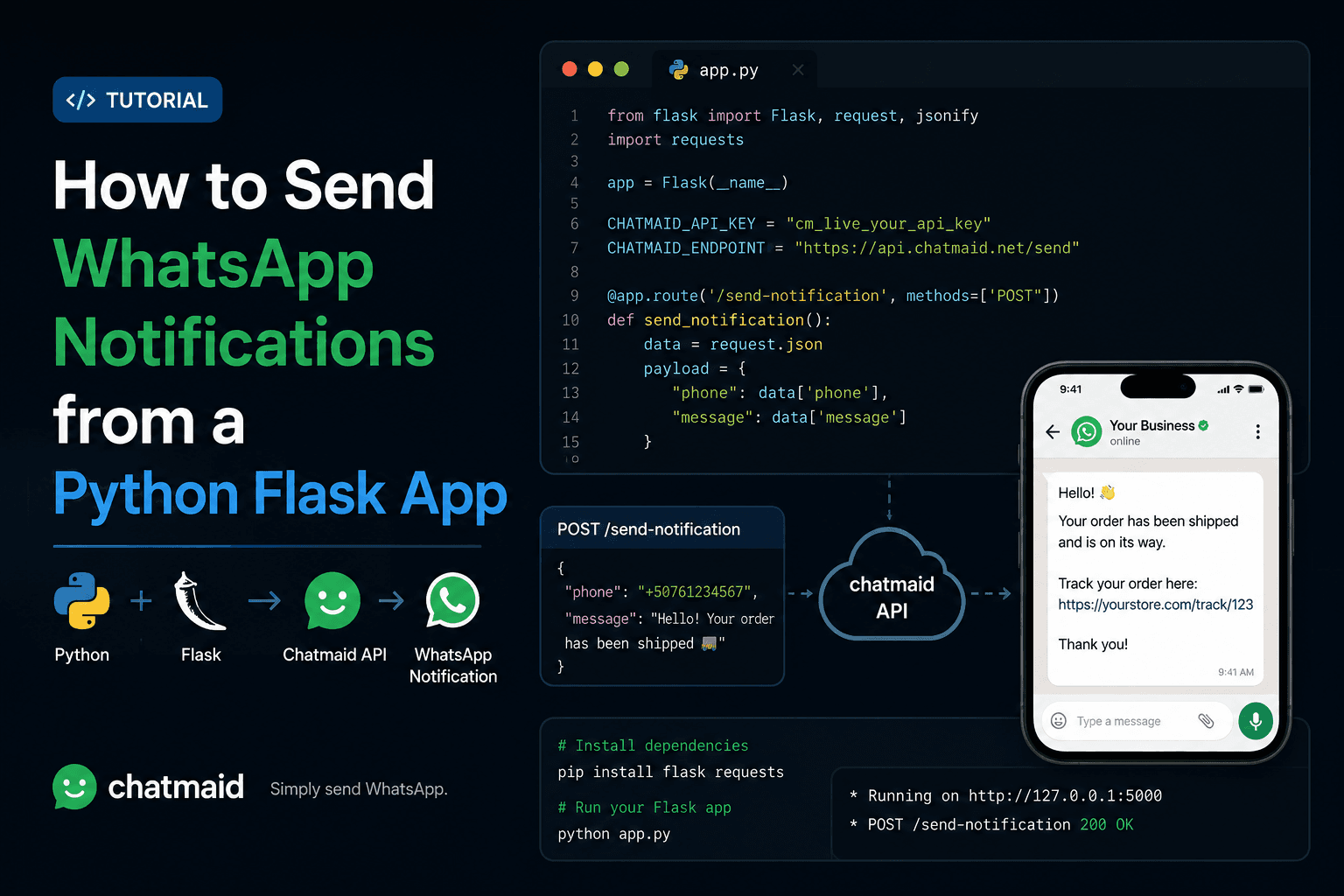
Jul 12, 2026
How to Send WhatsApp Notifications from a Python Flask App
Adding WhatsApp to a Flask app follows a clean pattern: a client class for the API, background tasks via Celery for async delivery, webhook handling for incoming messages, and a template library for common notifications. The result is a Flask application that can reach users where they actually pay attention — without building a custom mobile notification system or depending on email open rates. Get started: developers.chatmaid.net/signup Full API docs: developers.chatmaid.net/docs
Read post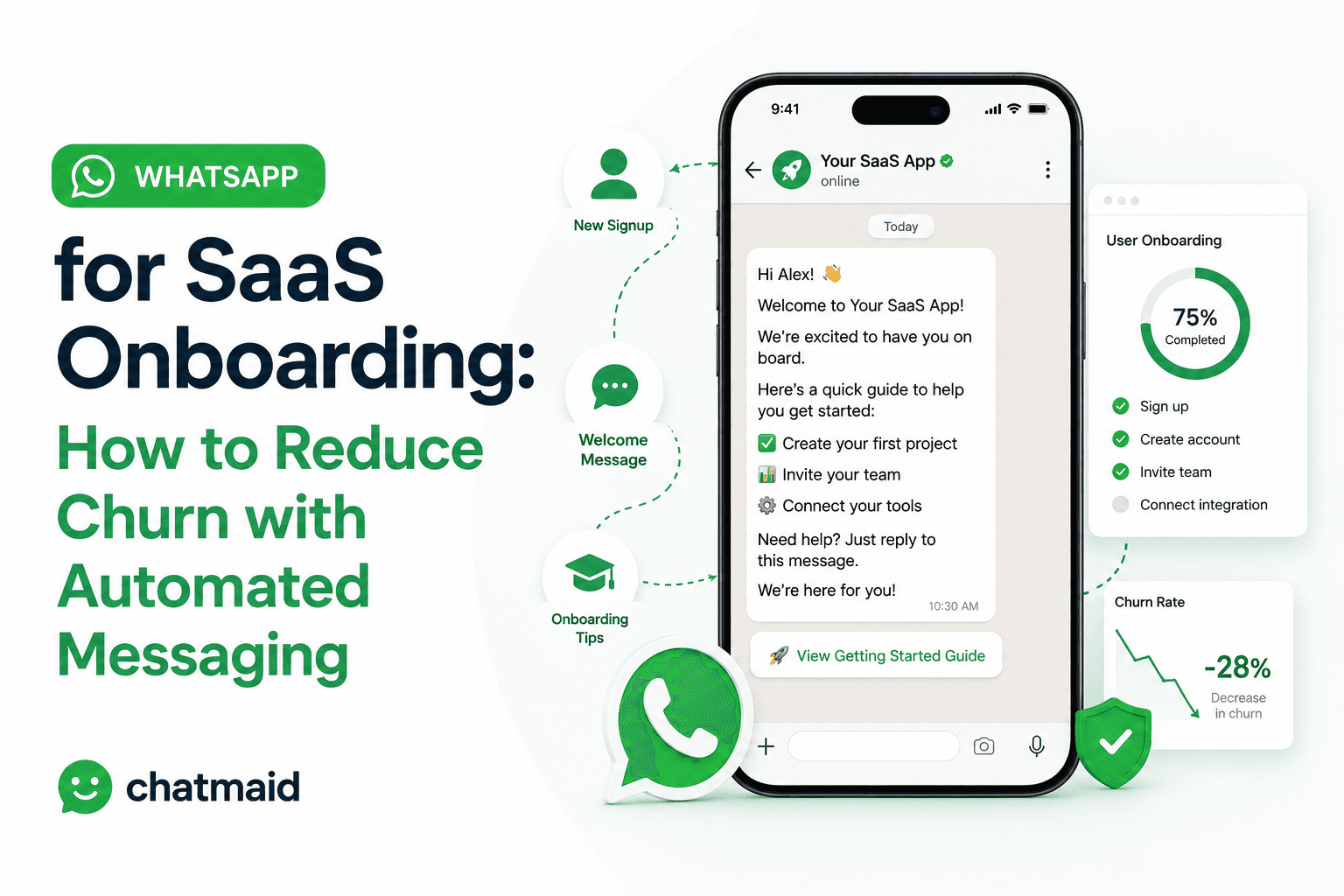
Jul 12, 2026
WhatsApp for SaaS Onboarding: How to Reduce Churn with Automated Messaging
WhatsApp onboarding works because it meets users where they already are, arrives at the exact moment triggered by their behavior, and gets read. Email can't compete on timeliness or open rates. The framework above — activation, habit formation, expansion, intervention — maps WhatsApp touchpoints to the moments that actually move retention metrics. Get started: developers.chatmaid.net/signup
Read post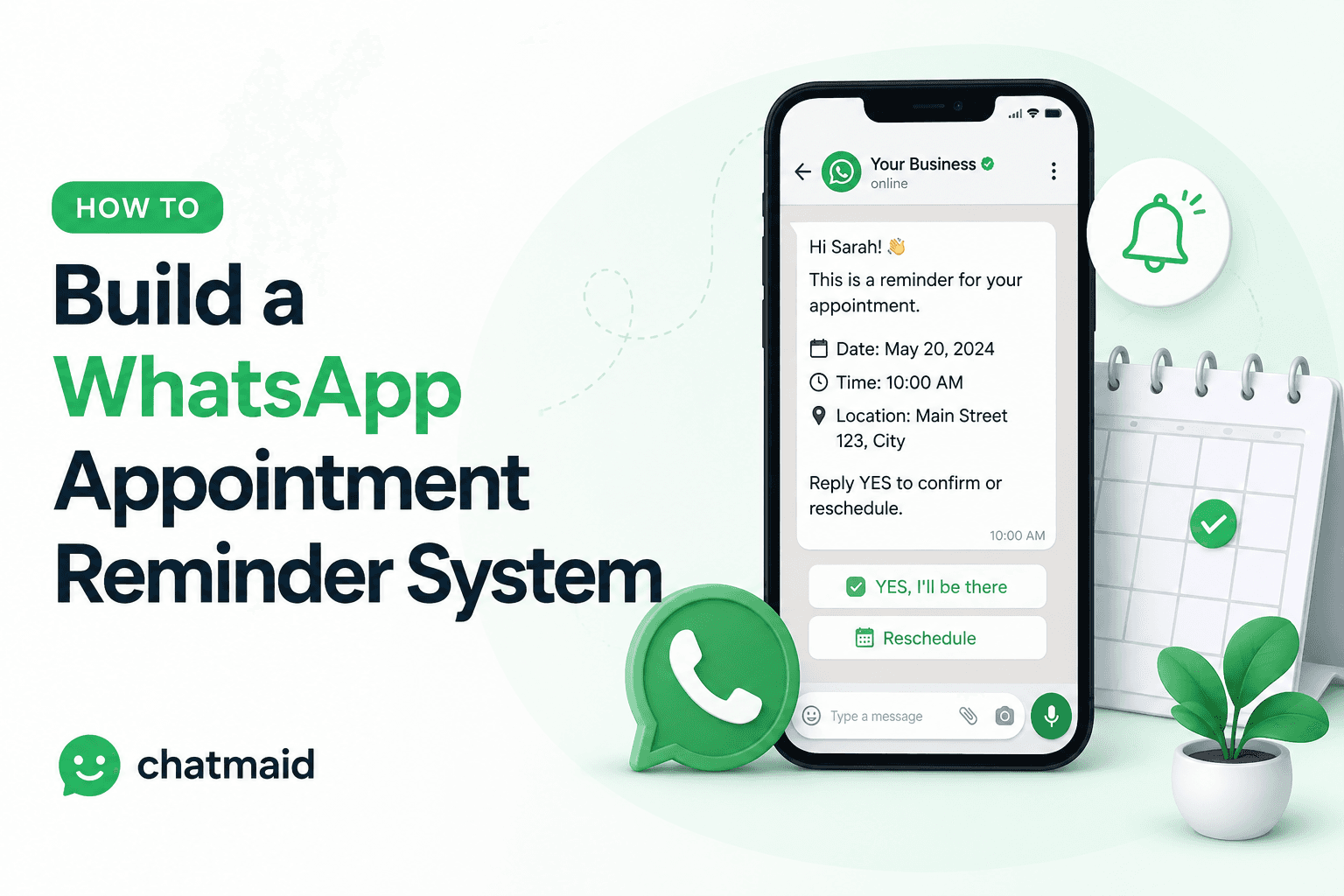
Jul 12, 2026
How to Build a WhatsApp Appointment Reminder System
A WhatsApp appointment reminder system is one of the highest-ROI automations a service business can build. The confirmation flow alone — where clients actively reply CONFIRM, RESCHEDULE, or CANCEL — transforms passive reminders into an active communication channel that surfaces problems in time to fix them. Get started free: developers.chatmaid.net/signup
Read post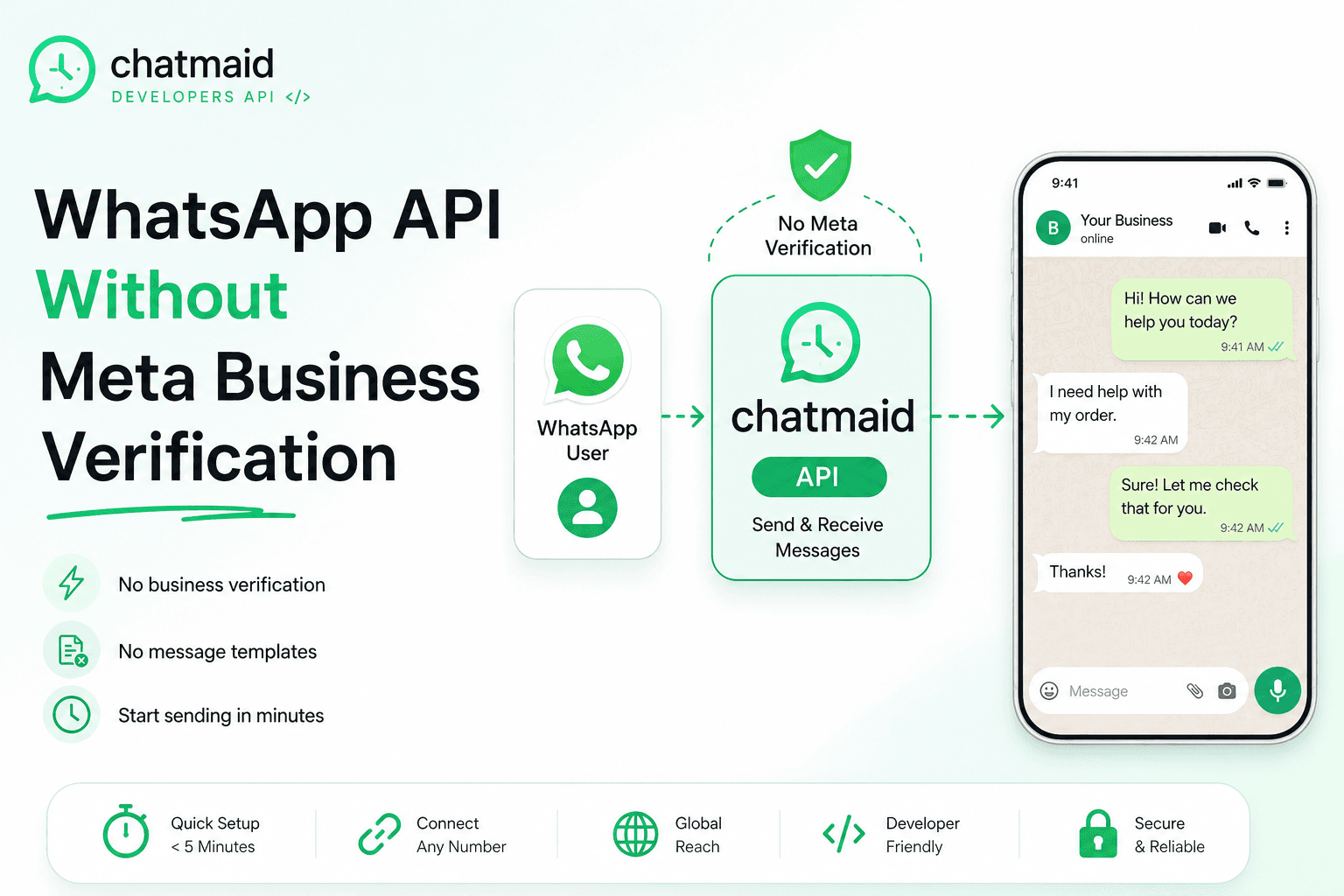
Jul 08, 2026
WhatsApp API Without Meta Business Verification: A Developer's Guide
Most developers discover that integrating WhatsApp through Meta's official platform is slow, complex, and often unnecessary for their use case. This guide shows how to send and receive WhatsApp messages programmatically in minutes without waiting for Meta approvals. Chatmaid uses a connected WhatsApp account and exposes it through a simple REST API. Developers can send messages, receive webhooks, and build chatbots, notifications, and AI-powered workflows quickly. Setup takes less than five minutes: create an account, get an API key, connect a phone number, and start sending messages. Incoming messages can trigger AI agents, database lookups, or automated workflows through webhooks. Common use cases include customer support bots, appointment reminders, internal alerts, and AI assistants. Unlike official providers, there are no template requirements or 24-hour messaging restrictions. Chatmaid offers a faster and simpler alternative to Meta Cloud API, Twilio, and self-hosted WhatsApp solutions. It is designed for developers who want WhatsApp as an output and communication channel without enterprise-level complexity.
Read post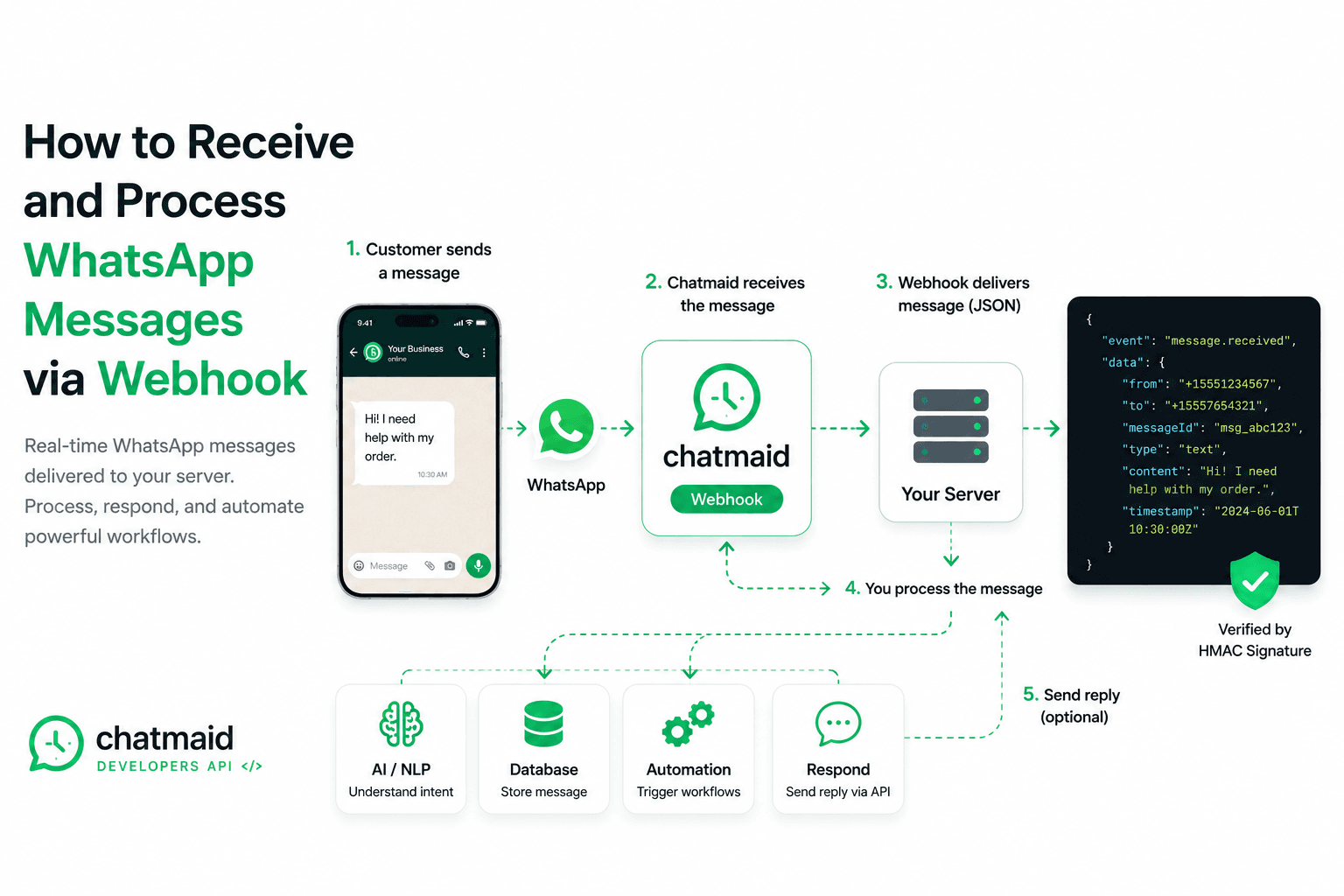
Jul 08, 2026
How to Receive and Process WhatsApp Messages via Webhook
Chatmaid webhooks give you a reliable, signed, retrying delivery system for incoming WhatsApp messages. Combined with the send API, they're the complete infrastructure for any bidirectional WhatsApp integration — without managing your own WebSocket connection or WhatsApp session. Start building: developers.chatmaid.net/signup Documentation: developers.chatmaid.net/docs/webhooks
Read post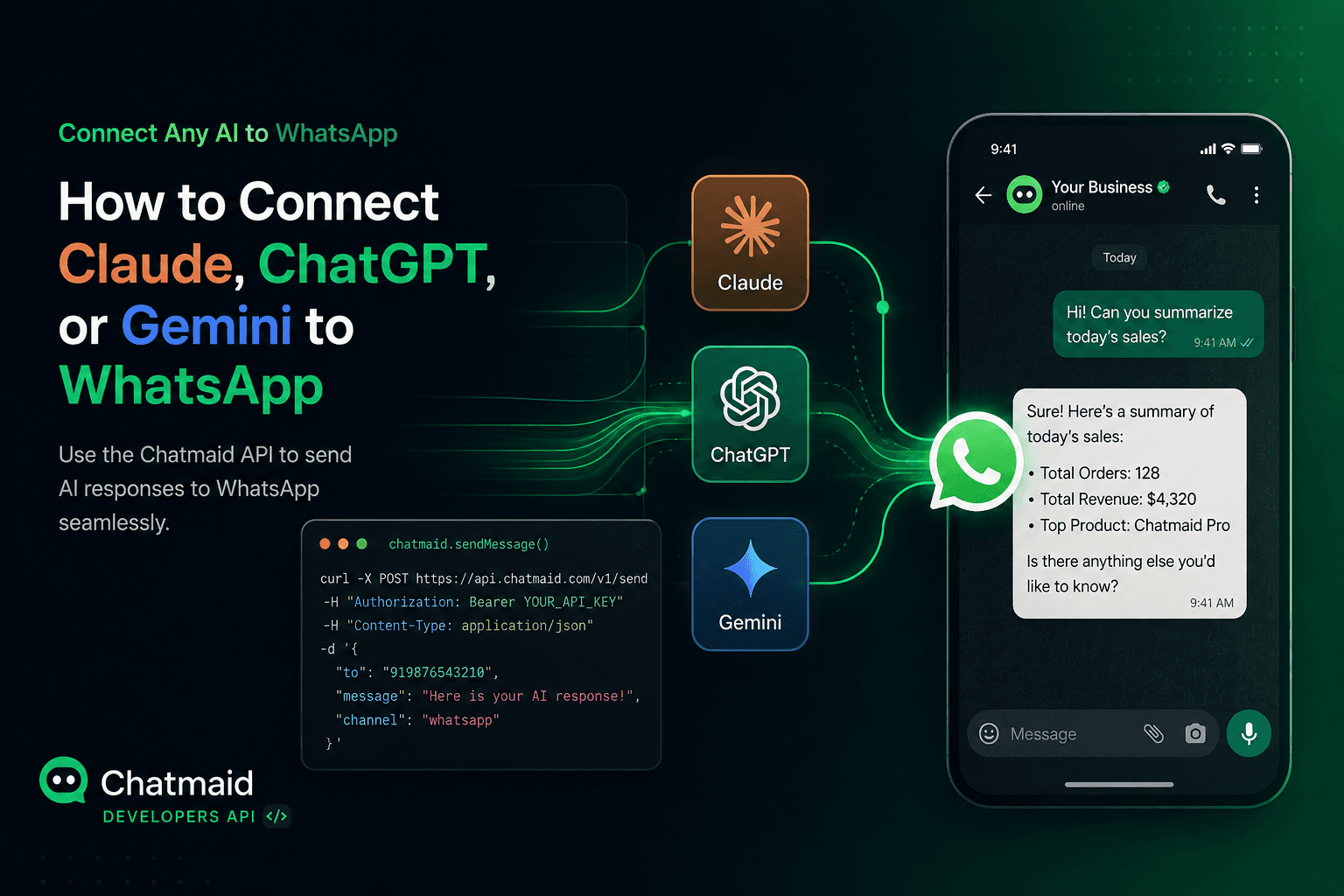
Jul 08, 2026
How to Connect Your AI Agent (Claude, ChatGPT, Gemini) to WhatsApp in Minutes
If you're building with Claude, ChatGPT, Gemini, or any other AI system and you want WhatsApp as an output channel, the bottleneck isn't your AI — it's the messaging infrastructure. Chatmaid removes that bottleneck with a QR-scan setup, a flat monthly price, and a clean REST API that any agent can call. Get started free: developers.chatmaid.net/signup
Read post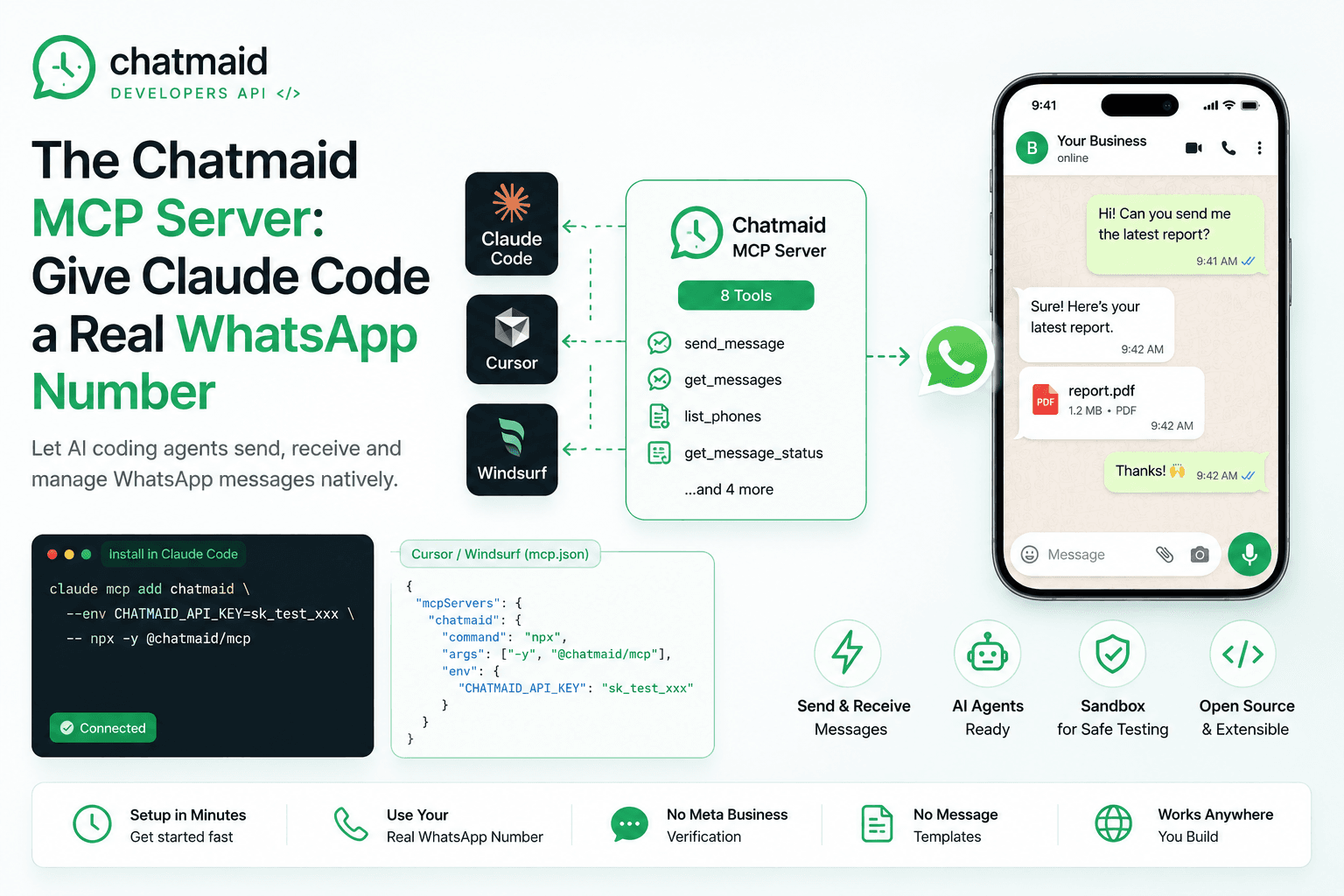
Jul 08, 2026
The Chatmaid MCP Server: Give Claude Code a Real WhatsApp Number
The Chatmaid MCP Server lets AI coding agents like Claude Code, Cursor, and Windsurf interact with WhatsApp natively through structured tools. Instead of manually reading API documentation and writing integration code, developers can install the MCP server and give their agents direct access to WhatsApp capabilities. The server includes eight built-in tools for sending messages, retrieving conversations, checking delivery status, and managing connected numbers.
Read post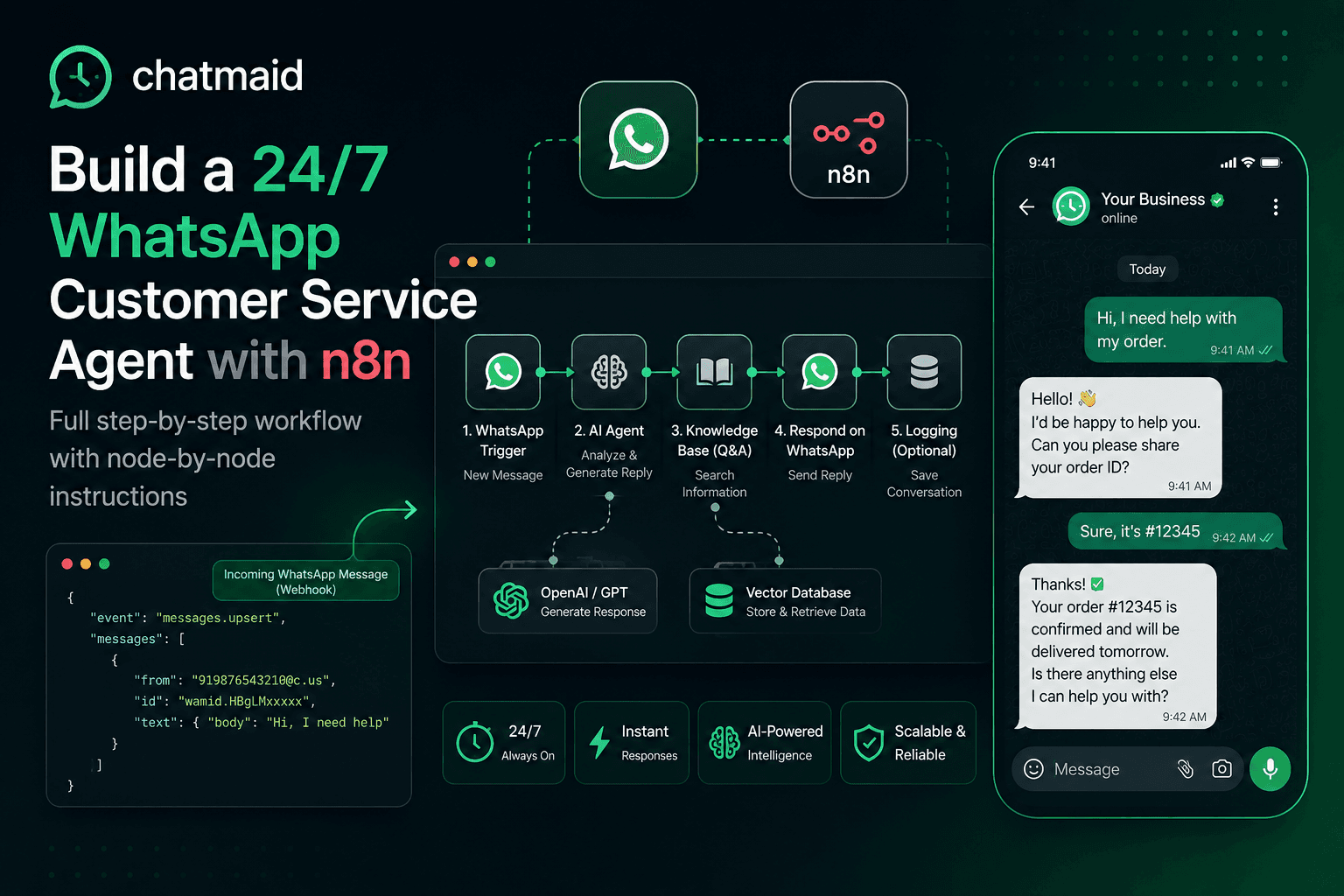
Jul 08, 2026
Build a 24/7 WhatsApp Customer Service Agent with n8n and Chatmaid
n8n + Chatmaid is one of the most practical stacks for building WhatsApp automation without enterprise budgets or development teams. The webhook-to-AI-to-reply loop is simple, reliable, and extensible — and it runs continuously without anyone watching it. Start building: developers.chatmaid.net/signup
Read post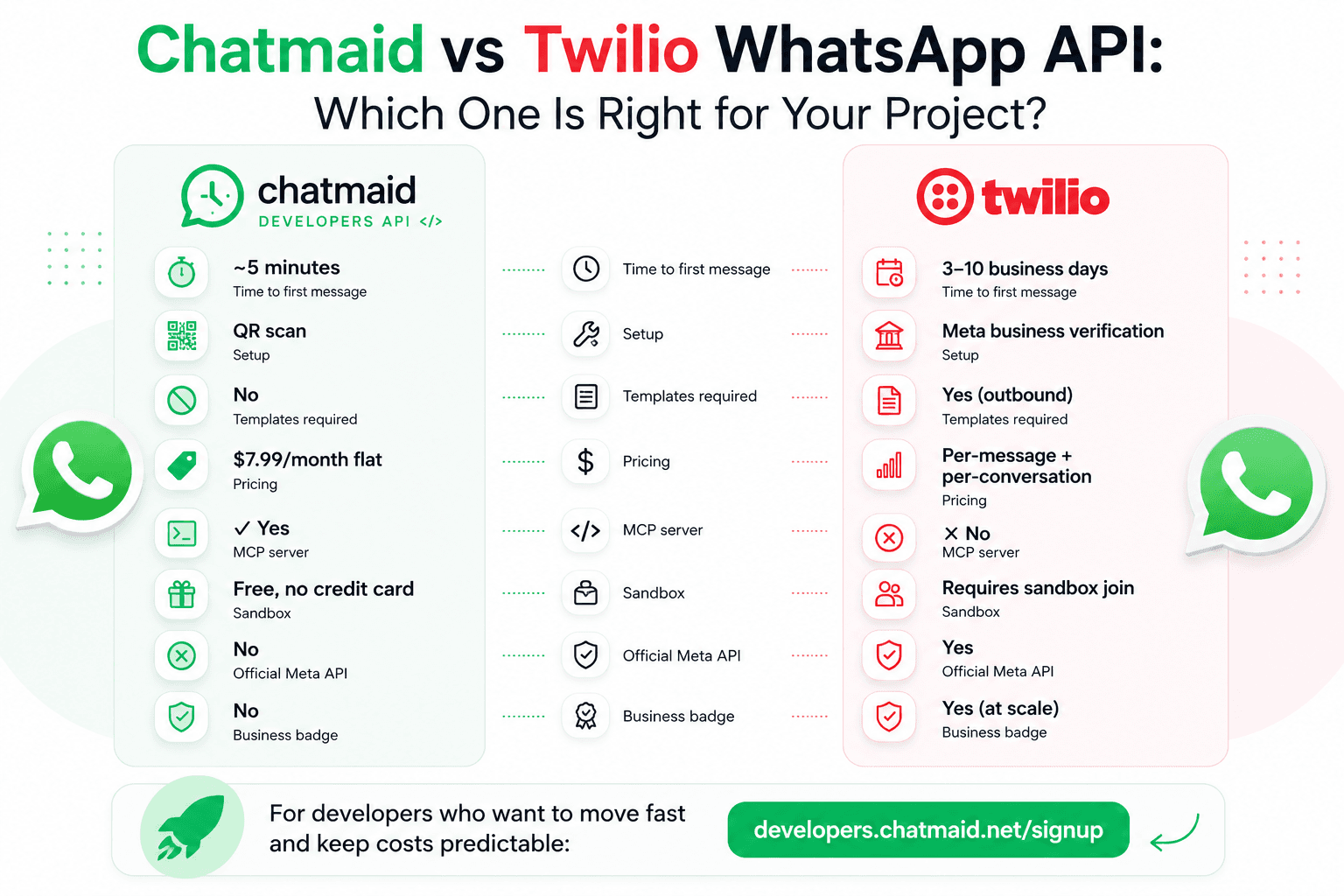
Jun 14, 2026
Chatmaid vs Twilio WhatsApp API: Which One Is Right for Your Project?
Chatmaid and Twilio both allow developers to integrate WhatsApp into their applications, but they target very different needs.
Read post